

How to Compress Images for the Web Without Losing Quality
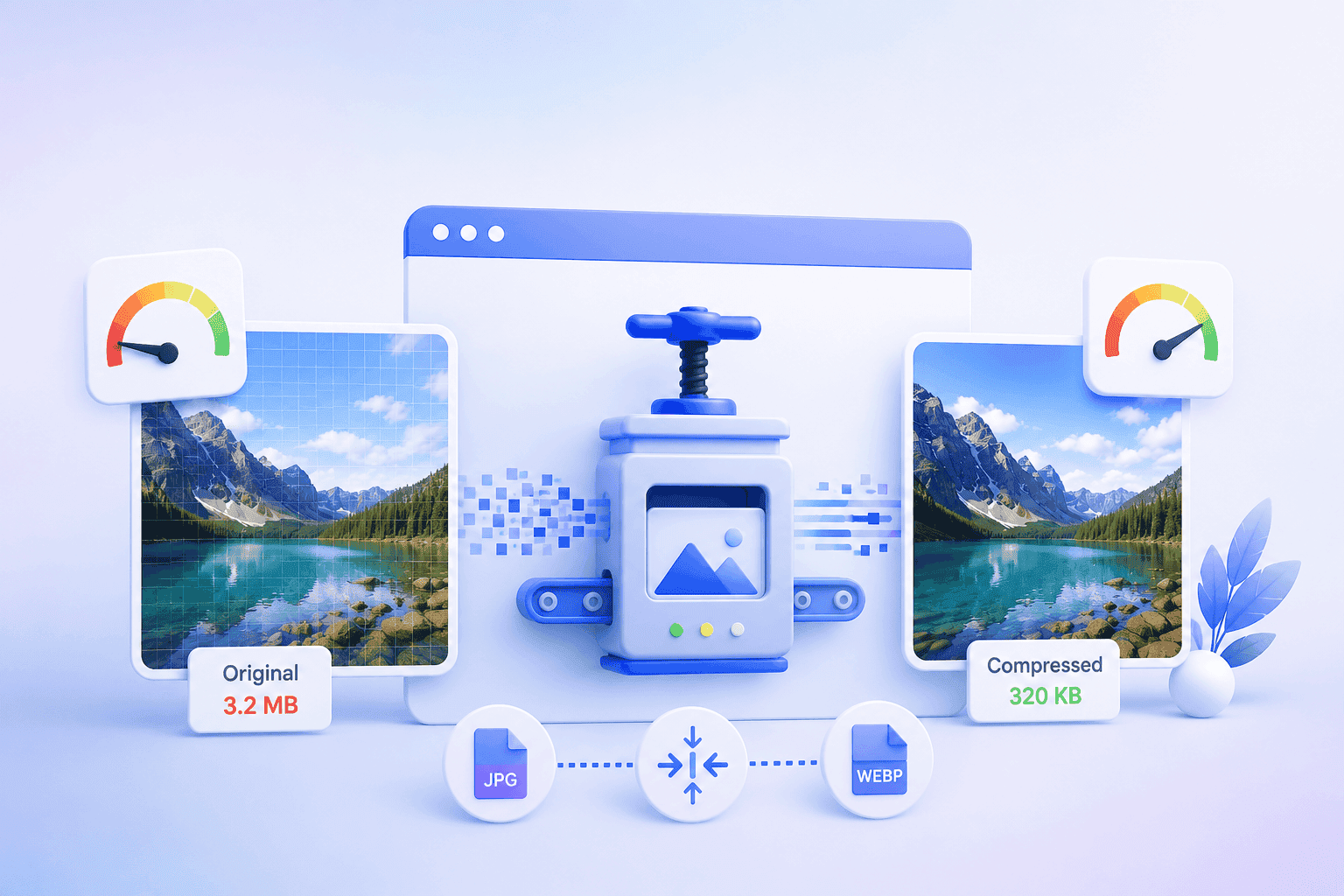
In This Article
- “Without losing quality” means perceptual quality, not mathematical quality
- Lossy vs lossless: pick the right tool for the job
- The formats most teams are still ignoring
- The manual approach is the real bottleneck
- The shift: from compressing images to optimizing delivery
- A practical checklist to start today
Every web team eventually runs into the same wall. Images are the single heaviest thing on most pages — often 50% or more of total page weight — and they're also what makes a site feel premium. So you're stuck negotiating between two things you don't want to give up: fast load times and visual quality.
Here's the reframe we've arrived at after years of optimizing images at scale: that trade-off is largely a myth. “Compress images for web without losing quality” isn't a contradiction — it's an engineering problem with a well-understood solution. The catch is that the way most teams approach it doesn't scale, and that's the real issue worth solving.
“Without losing quality” means perceptual quality, not mathematical quality
First, a definition that clears up most of the confusion. When people say they want to compress an image without losing quality, they almost never mean pixel-for-pixel identical. They mean visually indistinguishable to a human eye on a real screen.
That distinction is everything. The human visual system is far more sensitive to changes in brightness than in color, and it barely registers fine detail in busy areas of an image. Compression algorithms exploit exactly these blind spots — discarding data your eye was never going to notice while preserving the data it will. Done well, you can cut a file by 60–80% and no one can tell the difference in a side-by-side. That's not a compromise on quality; it's the removal of waste.
Lossy vs lossless: pick the right tool for the job
The two families of compression solve different problems, and using the wrong one is where quality complaints usually originate.
Lossless compression rebuilds the original image perfectly — nothing is discarded, the file is just stored more efficiently. It's the right choice for graphics with sharp edges and flat color: logos, icons, screenshots, line art, anything with text. This is also how you reduce PNG file size without touching a single visible pixel: strip unnecessary metadata, reduce the color palette where the image doesn't need all 16 million colors, and let the format's lossless algorithm do its work.
Lossy compression selectively throws away information, and it's the right choice for photographs and complex imagery where the eye can't track every detail. This is the lever you pull to decrease file size of JPG images dramatically. The skill is in the quality setting: most photos look identical at a quality level of 75–85, and the file is a fraction of the size of the same image at 100. People who export everything at maximum quality are shipping enormous files for zero perceptual benefit.
The mistake we see constantly is teams applying one approach to everything — running photos through PNG and wondering why files are huge, or compressing logos as JPG and getting muddy edges and artifacts around text. Match the method to the content.
-p-2000.png)
The formats most teams are still ignoring
If you only remember one thing from this section: the biggest, easiest wins in image compression today come from modern formats, not from squeezing legacy ones harder.
JPG and PNG are decades old. WebP typically delivers files 25–35% smaller than a comparable JPG at the same visual quality, and AVIF can go further still — often half the size of JPG with no perceptible loss. These formats were built for exactly this problem, and they're now supported across virtually every modern browser.
The reason adoption lags isn't technical merit — it's operational friction. Serving AVIF to browsers that support it while falling back to JPG for those that don't, across an entire catalog of thousands of images, is genuinely tedious to manage by hand. Which brings us to the actual problem.
The manual approach is the real bottleneck
Most advice on this topic ends with a list of tools: drag your image into a compressor, download the smaller version, upload it to your site. And for a handful of images, the best image compression tool is whatever gets the job done in your workflow.
But that approach quietly breaks the moment you operate at any real scale. Consider what “doing it right” actually requires for every single image:
- Choosing lossy or lossless based on the content
- Tuning the quality setting to the threshold where the eye stops noticing
- Generating modern-format versions (WebP, AVIF) with legacy fallbacks
- Producing multiple resolutions so a phone isn't downloading a desktop-sized image
- Re-doing all of the above every time a new image is added
No human team can sustain that across a growing site. So what happens in practice is that compression becomes inconsistent — some images optimized, many not — and the heaviest, least-optimized images are usually the new ones nobody got to yet. The page weight problem never actually goes away; it just moves around.
The shift: from compressing images to optimizing delivery
This is where our thinking has changed, and where we think the whole category is heading. The right unit of optimization isn't the image file — it's the delivery moment. The same product photo should arrive as a small AVIF on a modern phone over a slow connection, and as a higher-resolution WebP on a fast desktop. Compressing one “final” version and serving it to everyone leaves quality on the table for some users and speed on the table for others.
That's the principle behind how we approach image optimization at N7: instead of asking teams to manually compress and manage formats, the system makes the decision automatically, per request — analyzing the image, the requesting device, and the network conditions, then delivering the optimal format, resolution, and compression level on the fly. The original is uploaded once. Every visitor gets a version tuned to them. Nobody on the team touches a compression tool.
We believe this is the only model that holds up as sites grow, because it removes the human bottleneck entirely rather than just making it faster.
A practical checklist to start today
Whether or not you automate, these principles will improve almost any site:
- Match method to content — lossy for photos, lossless for graphics and text.
- Stop exporting at maximum quality — 75–85 is indistinguishable for most photographs and far smaller.
- Adopt modern formats — serve WebP or AVIF with a JPG/PNG fallback; it's the single biggest win available.
- Serve the right size — don't ship a 2,000px image into a 400px slot.
- Strip metadata — camera data and color profiles add weight users never see.
- Automate before it breaks — the day manual optimization stops being sustainable is the day quality starts slipping.
Compressing images for the web without losing quality was never really about finding a better compressor. It's about applying the right technique to the right image, at the right moment, for the right visitor — consistently, at scale, without it depending on someone remembering to do it. Get that system right, and you stop choosing between a beautiful site and a fast one. You get both.
N7's AI-driven Image Optimization automatically delivers the ideal format, size, and compression for every visitor and device — no manual exports, no quality compromises. See how it works.

.png)
.png)